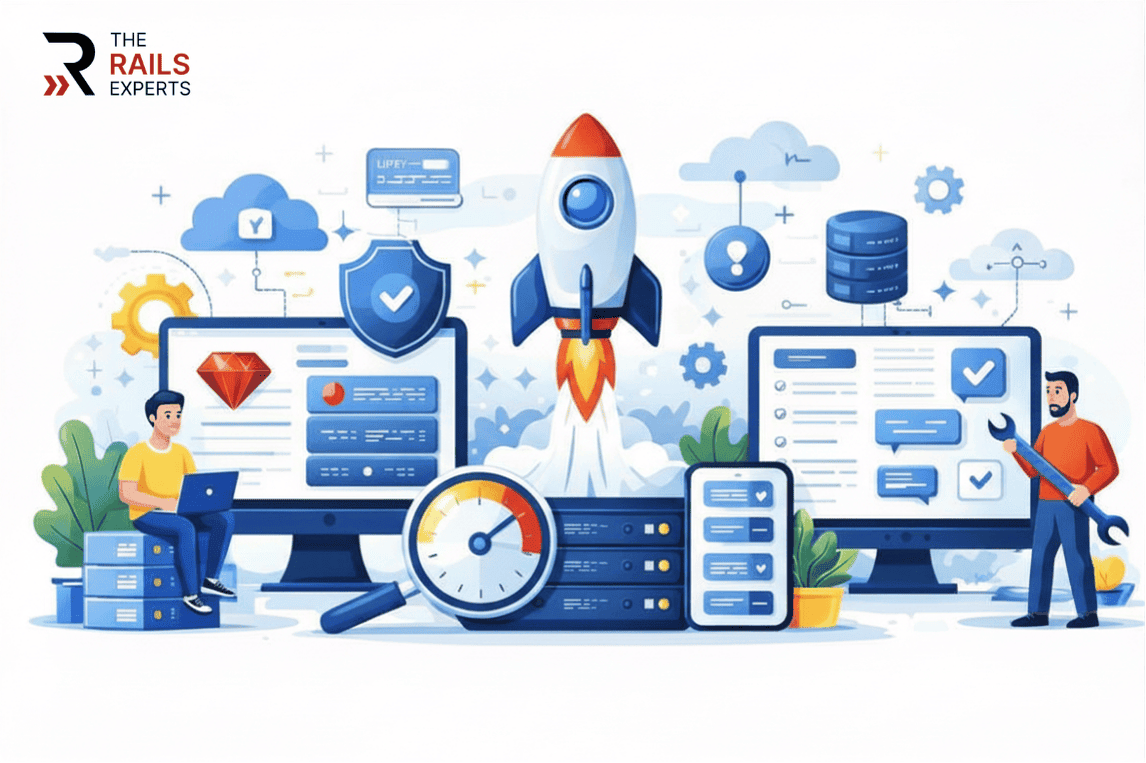
Is your Ruby on Rails application running on an outdated version without you realizing the risks involved?
Many businesses delay upgrades because the application appears stable. However, unsupported Rails versions can quietly increase security exposure, slow performance, and create compatibility challenges with modern tools. Over time, these issues compound, making future upgrades more complex and expensive.
Having worked with growing applications across different stages of maturity, we understand that upgrading Ruby on Rails is not just a technical task. It requires careful assessment of dependencies, structured execution, and minimal disruption to ongoing operations. A well-planned upgrade strengthens the foundation rather than interrupting it.
In this article, you will discover the key reasons upgrading Ruby on Rails supports long-term stability and how proactive modernization protects your application’s performance, security, and scalability.
7 reasons to upgrade Ruby on Rails for long-term stability
1. Stronger security and reduced risk exposure
Security vulnerabilities do not announce themselves politely. Once a Rails version reaches end-of-life, it no longer receives official security patches. That means newly discovered exploits remain open.
Industry reports such as the Verizon Data Breach Investigations Report consistently show that unpatched vulnerabilities remain one of the leading causes of security incidents. Running an unsupported framework version increases the likelihood that known weaknesses remain exploitable.
For applications handling user accounts, payments, personal data, or internal systems, this creates direct business risk, including regulatory penalties, loss of trust, and financial impact.
Newer Rails versions include hardened defaults, improved encryption handling, safer parameter processing, and consistent security updates. Staying current ensures you are protected by the framework rather than exposed by it.
Security stability is not optional. It is foundational.
2. Improved performance and faster response times
Users expect speed. Even small performance delays affect conversion rates, retention, and satisfaction.
Modern Rails releases include optimized database querying, improved caching systems, better memory management, and enhancements in background job processing. These improvements directly impact load time and server efficiency.
Older applications often carry accumulated inefficiencies such as redundant queries, outdated patterns, and compatibility workarounds. An upgrade creates an opportunity to eliminate these bottlenecks.
Performance is not just technical. It is revenue driven.
3. Continued support from the Rails ecosystem
A framework is only as strong as its ecosystem.
Ruby on Rails benefits from an active global developer community. However, support, documentation updates, and plugin compatibility focus on maintained versions. Once your version falls behind, finding fixes, compatible gems, or skilled developers becomes more difficult.
Upgrading ensures:
- Active community troubleshooting
- Updated documentation
- Compatible third-party libraries
- Easier hiring of experienced developers
Community backing directly contributes to long-term operational stability.
4. Compatibility with modern tools and integrations
Today’s applications rarely operate in isolation. They rely on:
- Payment gateways
- Cloud infrastructure
- Marketing automation tools
- Analytics platforms
- API integrations
- AI and data services
These tools evolve continuously. Cloud providers such as Amazon Web Services regularly update security, scalability, and integration standards through frameworks like the Well-Architected Framework, making application compatibility increasingly important for modern infrastructure alignment.
Older Rails versions struggle to maintain compatibility with modern APIs, updated authentication protocols, and dependency requirements.
An upgrade ensures your application integrates smoothly with evolving technologies, reducing integration failures and minimizing unexpected downtime.
Stable integrations equal stable operations.
5. Easier maintenance and cleaner architecture
As applications age, complexity grows. Deprecated methods remain in place. Gems stop receiving updates. Quick fixes accumulate. Over time, development slows down because the system becomes fragile.
Upgrading Rails encourages architectural cleanup:
- Removal of deprecated patterns
- Replacement of unsupported gems
- Refactoring inefficient code
- Simplifying logic flows
A clean codebase improves maintainability, accelerates feature delivery, and reduces developer frustration.
Maintenance stability directly impacts product velocity.
6. Better scalability for growth and expansion
Growth changes application behavior. More users. More data. More transactions. More background jobs.
Older Rails versions may struggle under increased load or require expensive workarounds to scale efficiently. Modern versions offer improved support for concurrency, background processing, database handling, and scalable infrastructure.
Upgrading prepares your system to grow without constant performance stress.
True stability means your application performs consistently even as demand increases.
7. Lower long-term costs than delayed upgrades
Postponing upgrades often appears cost-effective in the short term. However, technical debt compounds.
The longer you wait:
- The larger the version gap becomes
- The more dependencies break
- The more complex migration becomes
- The higher the upgrade risk
- Incremental upgrades are manageable. Large version jumps require major redevelopment efforts.
From a financial perspective, regular upgrades reduce emergency fixes, prevent downtime, and avoid large-scale overhauls. They protect your technology investment.
Proactive maintenance is always cheaper than reactive recovery.
When should you evaluate an upgrade?
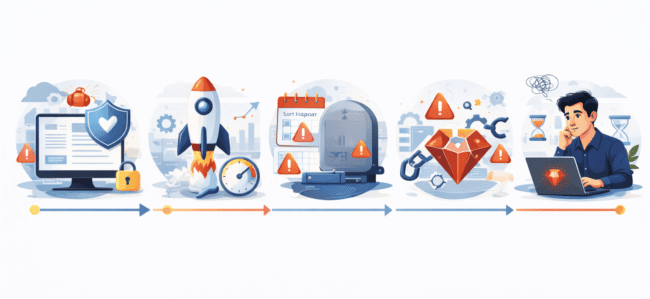
You should assess your Rails version if:
Your version is no longer officially supported. You can verify your current version against the official Ruby on Rails maintenance policy to confirm whether security patches are still being issued.
- Your version is no longer officially supported
- Security patches are unavailable
- Gems or libraries are failing
- Performance issues are increasing
- Your team hesitates to build new features due to technical constraints
Even if your application appears stable today, verifying support status and dependency health ensures you are not operating on borrowed time.
Why upgrading Ruby on Rails is a smart long-term decision
Upgrading Ruby on Rails is not about chasing the latest version. It is about protecting stability.
It strengthens security. It improves performance. It maintains compatibility. It reduces maintenance overhead. It supports growth.
Businesses that treat framework upgrades as part of strategic maintenance avoid disruption and protect long-term scalability.
If you are unsure about your current Rails version or upgrade complexity, a structured technical audit can clarify risk, scope, and effort, allowing you to plan a smooth transition without interrupting business operations. If you would like expert guidance tailored to your application, get in touch with our team to discuss the right upgrade path for your system.
Stability is not something you fix after it breaks. It is something you maintain before it does.
